iOS · Apple Health · HealthKit

LifeNex

Fitness, Health & AI Analysis

Turn the data already in Apple Health into clear trends: workouts, training load, body composition and goals — without diagnosis or clinical plans.

What LifeNex does

It observes your data, explains trends, and motivates you toward goals you choose.

Trends & analysis

15–90 day windows on activity, cardio, sleep and composition — in plain language.

Workouts & load

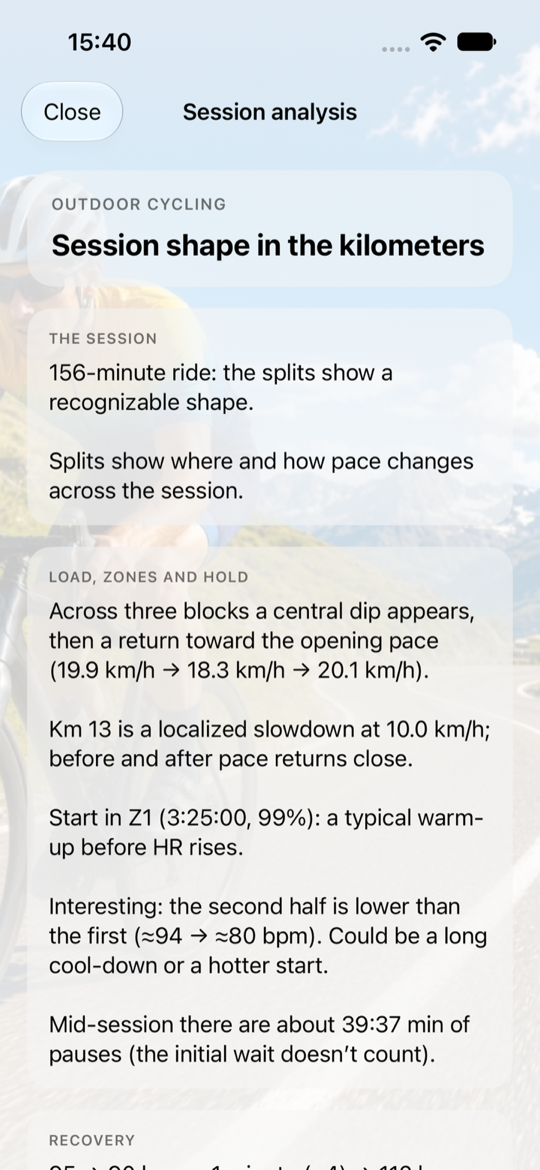
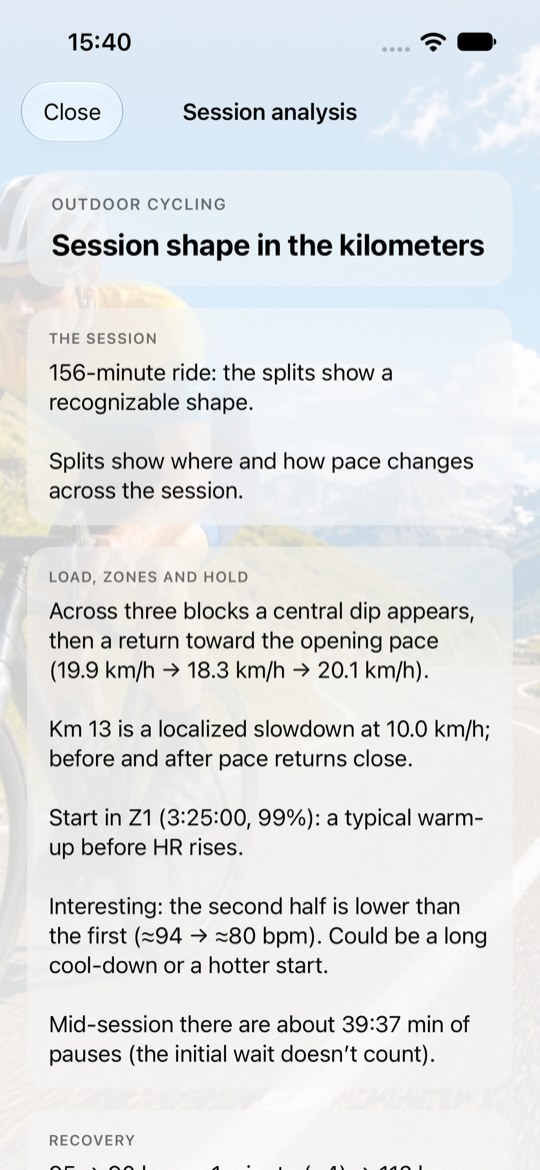
Workout history, heart-rate zones, maps and how your training load evolves.

Optional AI

Smart readings only with consent, based on summaries already computed on your iPhone.

Inside the app

Eight key screens: what you see and what you can do.
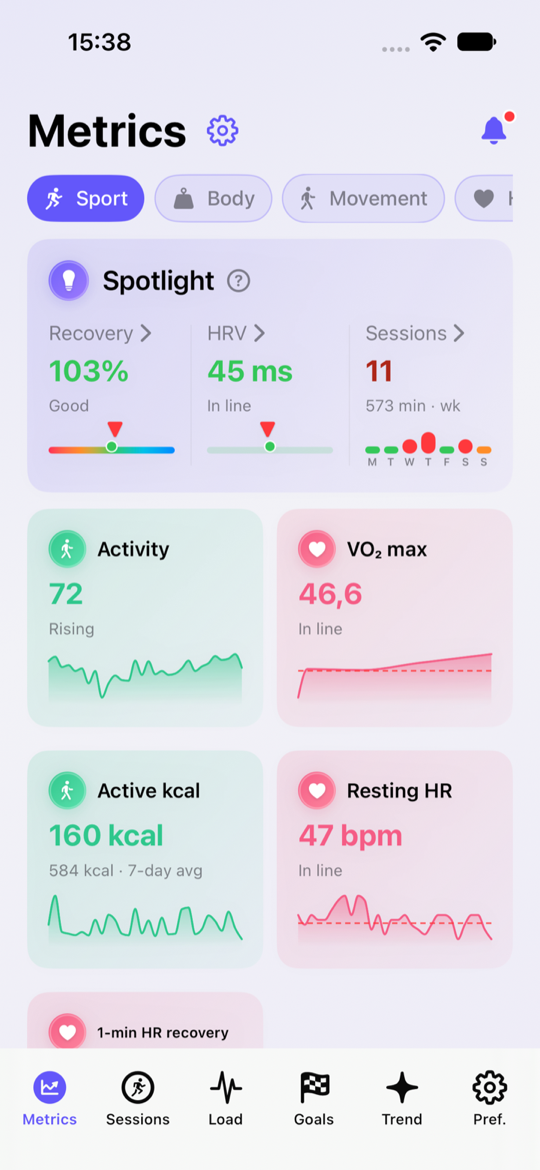
LifeNex Metrics screen
Metrics & SpotlightHealth and sport dashboard: recovery, HRV, activity, VO₂ max and resting HR, filterable by Sport, Body and Movement.
Sessions screen
Workout historyEvery session from Health: search, filter, sort and open each workout with duration, distance and calories.
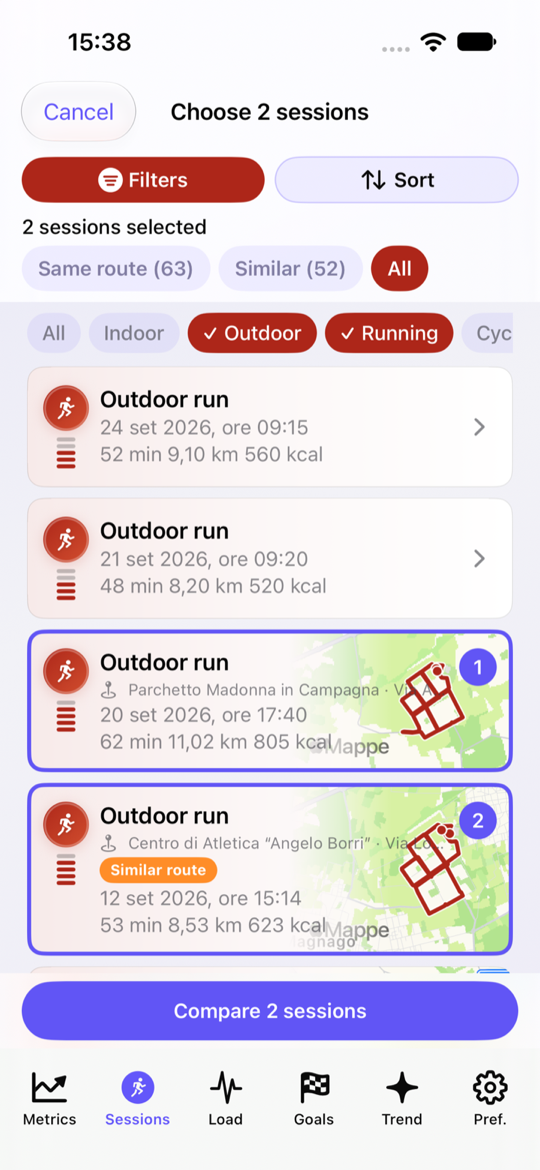
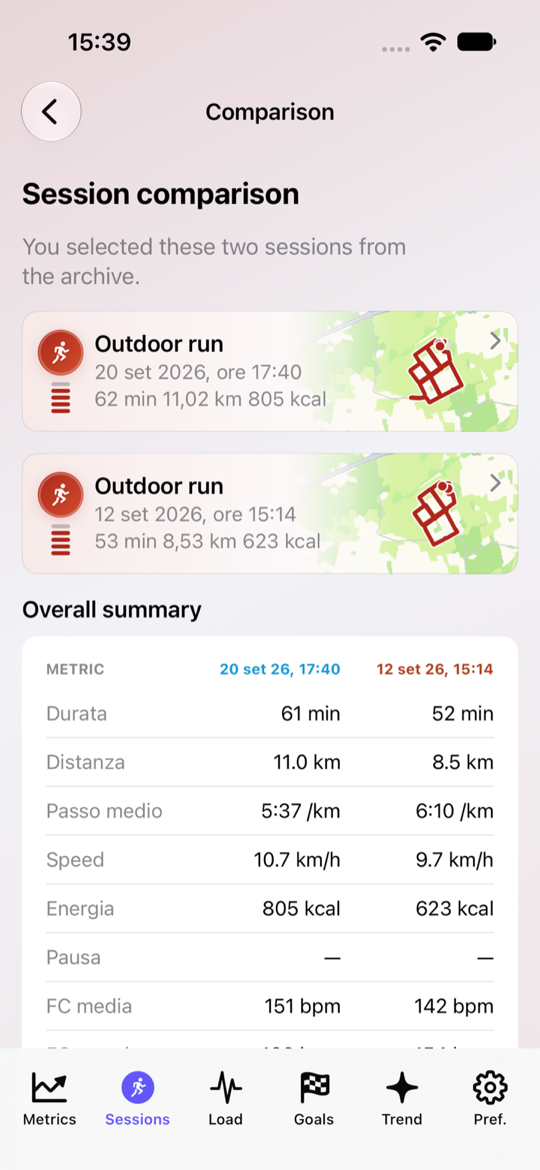
Compare two sessions
Compare 2 sessionsPick two workouts (same or similar route) and compare performance, map and metrics side by side.
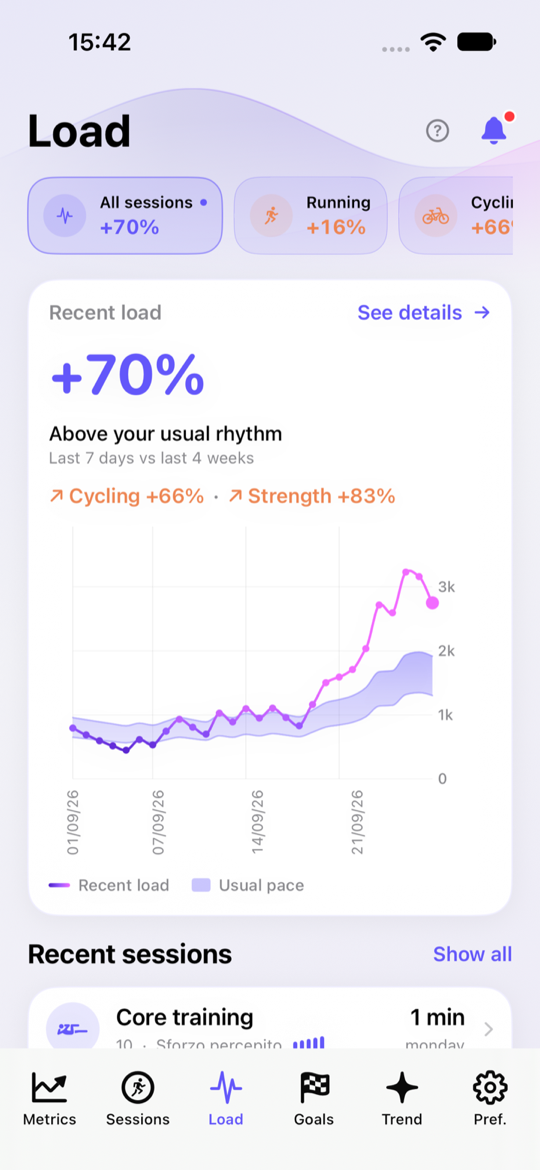
Training load screen
Training loadSee whether recent load sits above or below your habitual rhythm, by sport and time window.
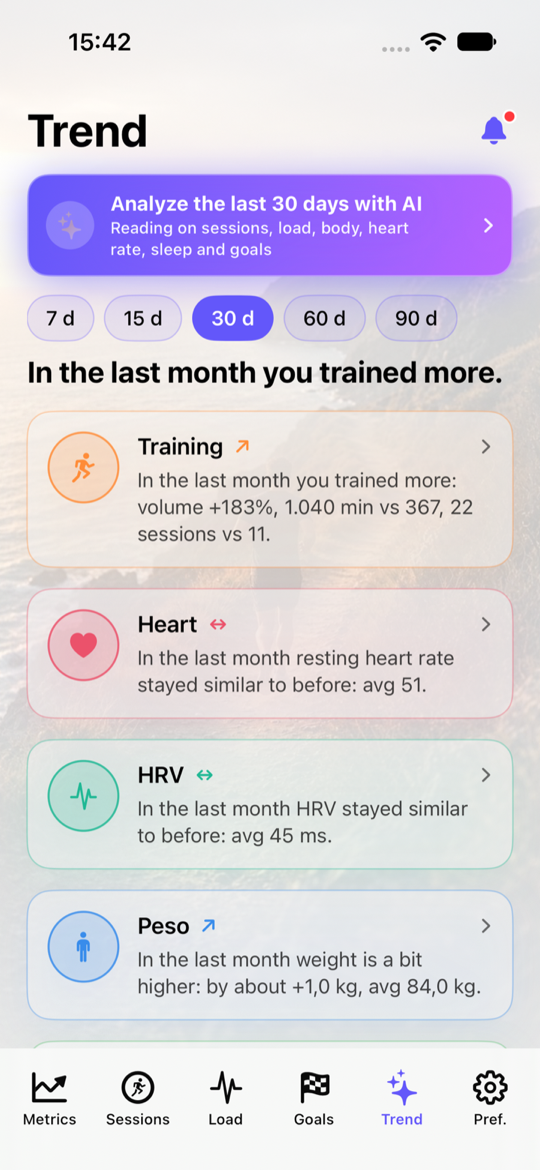
Trend screen with AI
Trends & AI analysis15–90 day readouts on training, heart, HRV and weight, plus optional smart readings.
Weekly session mix
Weekly mix7-day summary: volume, consistency and time share by session type (strength, run, bike…).
Live session compare
Live session compareTwo sessions on the same 3D map: colored dots move together in replay, with time, pace, HR and grade side by side.
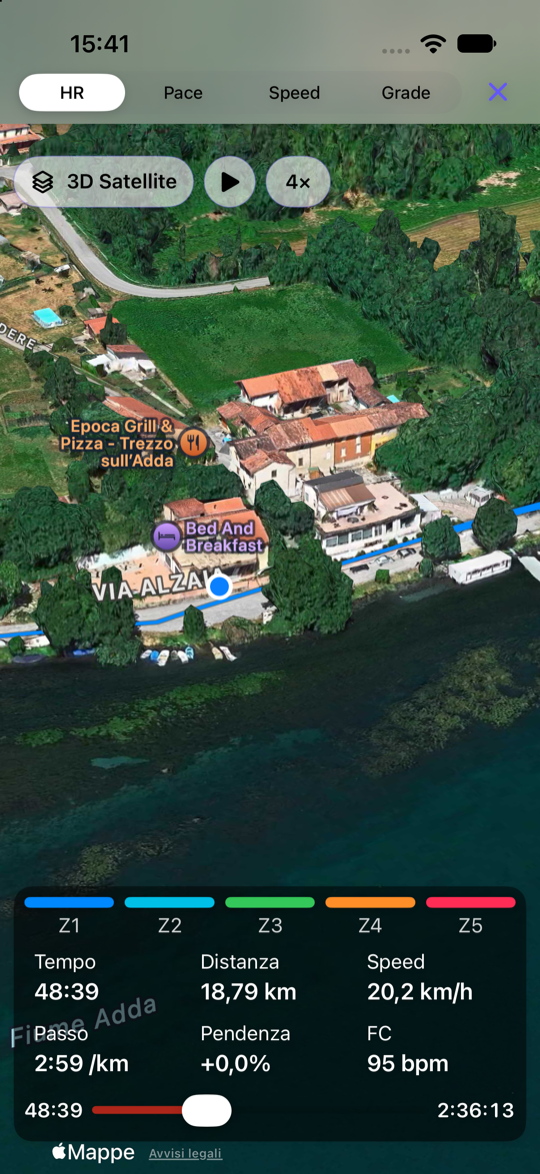
3D Satellite flight
3D Satellite flightReplay the route in Satellite 3D with play and speed (up to 10×): HR zones and metrics stay in sync as you fly the track.

Ready to read your data?

LifeNex observes, explains, and motivates. Not a medical app.

Go to the App Store